
Shopify semantic search: your product data matters more than your plan

A shopper types "something to wear to a beach wedding, not white" into your search bar. Old-style search sees "white" and "wedding" and hands back a page of white lace. She leaves, and nothing in your reports says she was ever there.
Shopify semantic search exists to catch that shopper. It began as a Shopify Plus perk and now ships with far more plans, so the plan you pay for no longer decides how well your store search works. Your product data does. For most stores the built-in engine is enough. A smaller group, mostly large, part-number-heavy or heavily merchandised catalogs, will outgrow it and should know the signs early.
What Shopify semantic search actually does
Shopify semantic search matches products to what a shopper means, not only the words they type. Shopify's help center describes it as search that uses related words, concepts, categories and other context to expand results.
Shopify's own example, from its June 2024 changelog, is a shopper who searches "summer clothing" and still finds shorts. The word "shorts" never appeared in the query. The meaning did.
Four details shape how you plan around it. The engine reads your product title, description, product type, product category and tags. It ignores pictures, and the help center says so in as many words: "Product images aren't used." That makes text the whole input. It runs on your search results page and on the product suggestions in predictive search, the dropdown that appears as someone types. And you don't enable it. Shopify says semantic understanding "is included in online store search," with nothing to turn on in the Search & Discovery app.
Under the hood, a machine learning model turns both the query and your product text into numerical representations of meaning. Products that sit close to the query in meaning rank well, even when they share no exact words. That's how "couch" finds "sofa," and how a long, conversational query can still land on the right product.
| Traditional keyword search | Semantic search | |
|---|---|---|
| Matches on | Exact words and close spellings | Meaning, related concepts and context |
| "Couch" vs "sofa" | Misses unless you add a synonym | Usually connects them |
| Long, natural language queries | Often returns irrelevant results or nothing | Handles them better |
| Exact part numbers and SKUs | Strong | Can blur near-matches if the data is thin |
| What you tune | Synonyms, keywords, rules | Product data, plus boosts and filters |
It stopped being a Plus feature in 2024
If you're weighing Shopify Plus mainly for better search, drop that reason. Shopify's own announcements show how fast the feature spread:
| When | What changed | Source |
|---|---|---|
| Winter '24 Edition | Semantic search launched, labeled "Exclusive to Shopify Plus" | Shopify Editions Winter '24 |
| June 24, 2024 | Opened to merchants on the Shopify and Advanced plans through the Search & Discovery app | Shopify changelog |
| September 19, 2024 | Added support for more languages; stores already using it got the update automatically | Shopify changelog |
| Winter '25 Edition | "Natural search in more languages" listed as a global update | Shopify Editions Winter '25 |
| October 2026 | Help center describes semantic understanding as included in online store search, with no switch in the app | Shopify help center |
Plus still has its reasons, but semantic search alone is no longer a competitive advantage for a Plus store. The real Shopify Plus search question has moved on. It's now about control, scale and what you put on top of the native engine.
The queries that fail are the ones shoppers describe
The search box is the most direct record of customer intent a store has. When it fails, shoppers rarely try a second time.
Baymard Institute's 2026 search research draws on 10,000+ usability scores across 170+ benchmarked sites and apps. It found that 46% of desktop ecommerce sites have "mediocre or worse" search. On mobile the figure is 58%, and in apps 64%.
The breakdown by query type is the useful part. "Use case" searches, such as "wedding gift," cause problems on 43% of sites. "Feature" searches, where a shopper combines attributes in one query, cause problems on 39%. "Exact" searches for model names or numbers trip up only 12%.
Exact matching, in other words, is mostly solved. The failures cluster where a shopper describes a need instead of naming a product. "Waterproof boots for walking the dog in winter" is six words to a keyword engine. To a semantic one it's a product type, two attributes and a use case. Reading that search intent is the gap semantic search for ecommerce was built to close, and it moves search conversion more than a new theme will.
Your product data is the real setting
You can't tune the model directly, which is why the native engine feels like a black box to some teams. What you can tune is everything it reads and the few guardrails Shopify gives you. Work through these in order.
- Check which engine renders your results. If a third-party app draws your search page, that app decides relevance, not Shopify. In practice, plenty of stores run two search tools without realizing it, so look at the theme and installed apps first.
- Rewrite the fields the model reads. Titles should name the product type and its key attribute, so "Merino wool crew sweater, navy" beats "The Hudson" every time. Descriptions should say what the product is for, because use cases are what shoppers type. Assign the right category from Shopify's standard taxonomy and keep tags consistent. AI-generated descriptions help at scale if someone checks them, and our guide to Shopify Magic and Sidekick covers what Shopify's built-in AI can write.
- Install Search & Discovery for boosts, filters and reports. The Shopify Search & Discovery app is free. Shopify's storefront search documentation notes that it requires Shopify Network Intelligence to be enabled in your privacy settings. Staff also need permissions for products, navigation and reports.
- Use product boosts as guardrails. When a high-margin or seasonal product should win a query, boost it. Each boost covers up to 10 search terms, and boosts apply only to products available for sale. Changes made through metafields reach search results the same day.
- Review your top 50 queries every month. For each one, ask whether it returned results, whether shoppers clicked and whether they bought. Zero-result and failed searches show you the words your shoppers use that your catalog doesn't.
Headless stores have one extra job. If you run Hydrogen or another custom storefront, Shopify's storefront search documentation lists natural language search among the capabilities of the Storefront API's search and predictive search. The engine comes with it, but the search UI is yours to build and test.
Signs your catalog has outgrown native search
Semantic search isn't free relevance. You give up a little precision to catch more meaning, and for some catalogs that's the wrong trade.
The clearest case is a B2B catalog full of part numbers. Someone who types an exact part number wants that part, not five similar ones. Test exact-match queries hard, and keep SKUs and model numbers in titles or other fields the engine reads. If near-misses keep winning, you've hit the limit.
Regulated or technical vocabularies are the second case. Brand-specific terms may not map the way a general model expects. Adobe makes the same point in its own Live Search docs, where it tells merchants to keep synonyms for specialized terms.
The third case is control. Native boosts are coarse: 10 terms per boost, and no boosts at all when a query contains search syntax, per Shopify's help center. If your merchandisers have to explain why product A outranks product B, they'll want a dedicated platform's rules engine.
User sentiment is worth a look too. On the App Store, the Search & Discovery app holds a 2.6/5 rating from 510 reviews (checked October 2026). Several recent reviews complain about unrelated products in results. Treat that as a prompt to test your own top queries, not as a verdict on your store.
One thing that isn't a sign: thin product data. If half your catalog has one-line descriptions, any engine will guess, including the expensive ones. Fix the data before you blame the engine. And a store with a few dozen well-described products almost certainly needs nothing beyond what Shopify already provides.
Who offers semantic search optimized for product catalogs?
When complex catalogs outgrow the native engine, these are the AI-powered search platforms and apps worth testing. Judge each one on relevance for your top queries, merchandising control and integration effort. Every option was checked on the vendor's own site in October 2026. Prices change often, so check them with each vendor directly.
| Option | What it is | Strength | Best fit |
|---|---|---|---|
| Shopify native search + Search & Discovery | Built-in semantic understanding plus Shopify's free app | No extra cost, no setup | Clean catalogs that need basic boosts and filters |
| Algolia | Hosted search platform | Hybrid keyword and vector matching (NeuralSearch) | Teams that want developer control and speed |
| Athos Commerce | Formed from Searchspring and Klevu in January 2025 | Intent-based search plus merchandising and personalization | Merchandising-led retailers |
| Bloomreach Discovery | AI commerce search with the Loomi AI layer | Personalized results; lists a Shopify integration | Brands that want personalized search plus an on-site shopping agent |
| Constructor | Product discovery platform, platform-agnostic | Search, browse and a natural language AI shopping agent | Large catalogs with heavy browse traffic |
| Searchanise | Shopify search and filter app | AI search and voice search; 4.7/5 from 1,261 reviews (October 2026) | Mid-size stores that want more control at app pricing |
Choosing the engine tends to be the quick decision. The slow work is the product data feed, the theme integration and the tuning after launch. Brainvire is a Shopify Premier Partner, and before recommending any new tool our Shopify development team would start by running your top queries against the native engine. If you want that check on your store, send us your top 50 search queries.
FAQ
Does semantic search improve SEO for my Shopify store?
Not directly. On-site semantic search changes what shoppers see inside your store, not how Google ranks your pages. It helps indirectly, though. Your search reports show the everyday language shoppers use, and you can feed that into product titles, collection pages and content.
Can I turn Shopify semantic search off?
Not from the Search & Discovery app. Shopify's help center says semantic understanding is included in online store search, with no separate switch. If you need different behavior, a third-party search app can replace the engine that renders your results page.
Does Adobe Commerce have semantic search too?
Yes. Live Search semantic search works on Adobe Commerce 2.4.4 and newer, for English catalogs only. It's on by default for Adobe Commerce as a Cloud Service and must be enabled manually on cloud or on-premises installs. Our Adobe Commerce development team can help you test it before you switch it on.
Related reading
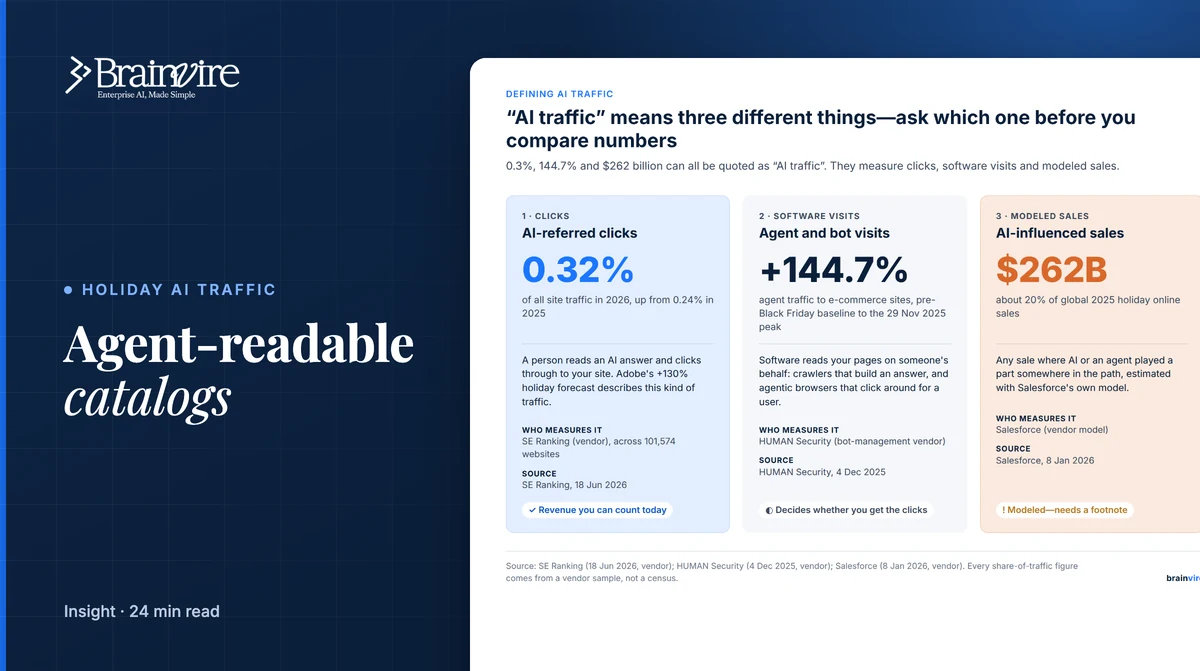 AI-referred traffic is up 130% this holiday. Can an agent actually read your catalog?October 16, 2026 · 24 min read
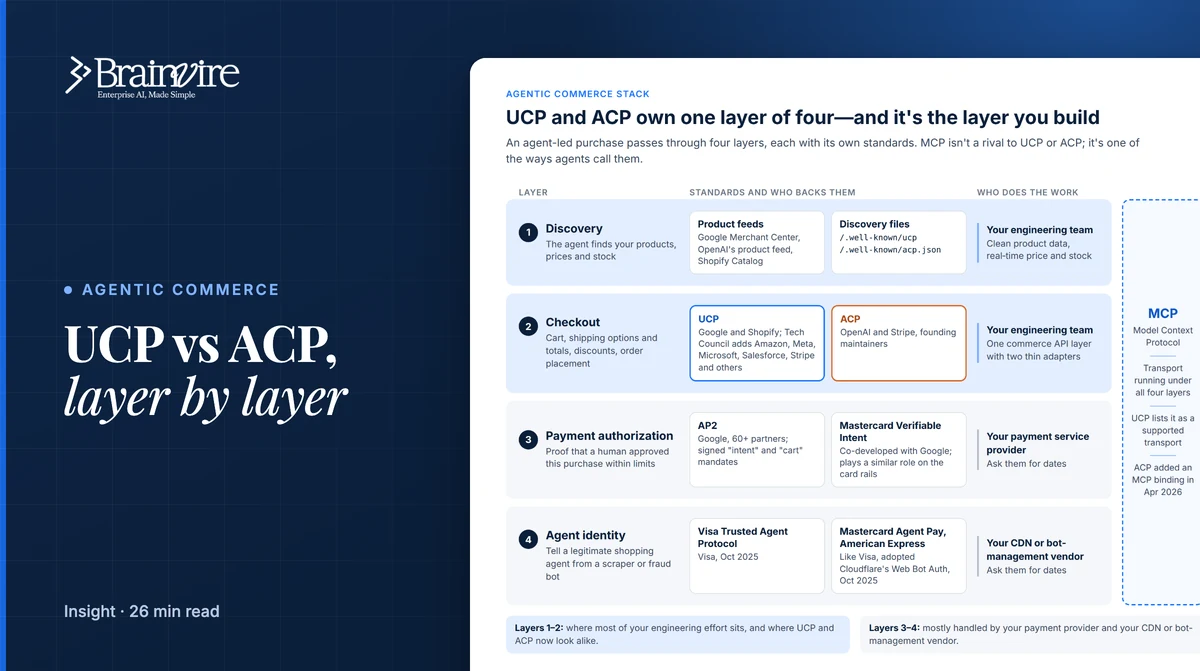 Two checkouts are coming to your store: UCP vs ACP, explained for commerce leadersOctober 16, 2026 · 26 min read
 Ecommerce business models: who buys and how the money comes inJuly 1, 2022 · 12 min read