




Tailored Solutions for Leading Enterprises














Our Success Stories

AR Solution for the Landscaping Industry
78%
Better Conversions
5x
Increase in App Acquisition
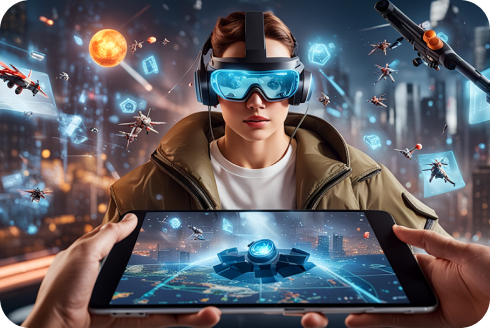
Groundbreaking AR Game
+10%
Increase in App Downloads
20%
Boost in Revenue

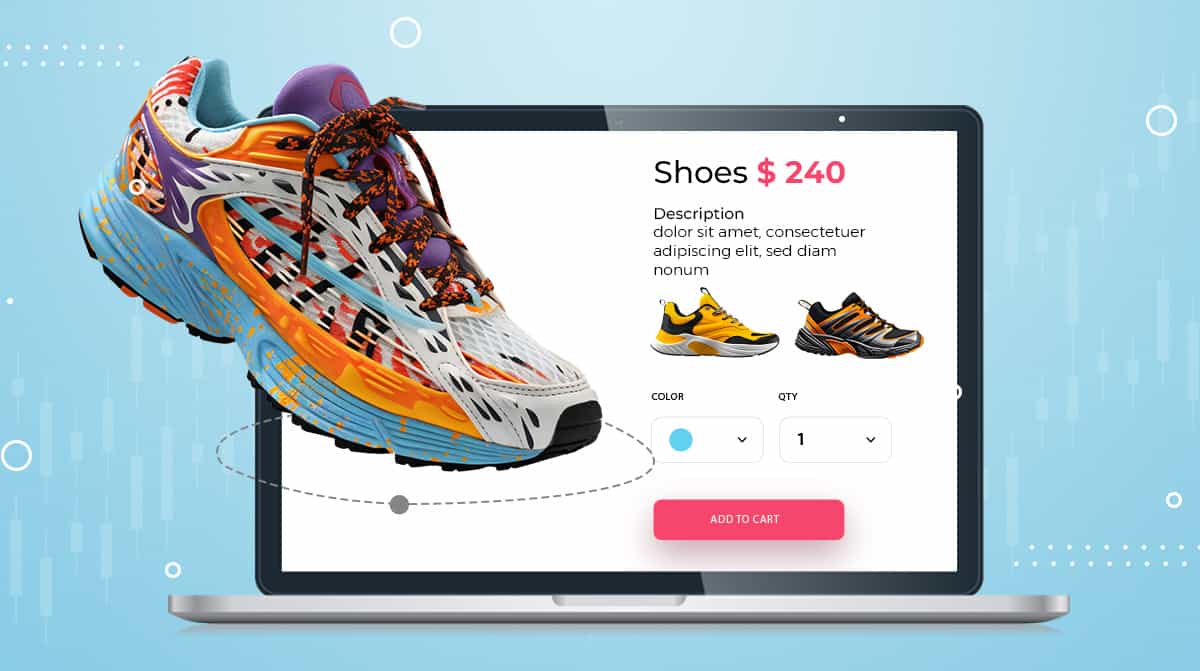
3D AR Footwear Retail App
76%
Increase in Customer Engagement
61%
Improved ROI

Smart Investment App
5M+
USD Distributed
1000+
Asset Options
Our Apple VisionPro App Development Services
Apple Vision Pro Solutions
We create tailored Apple Vision Pro applications to meet your unique business needs, leveraging the latest technologies to deliver innovative, immersive experiences that set you apart in a competitive market.VisionPro Consultation Services
Our experts provide comprehensive consultation services, guiding you through every step of the Apple Vision Pro app development process, from initial concept to final implementation, ensuring your vision becomes a reality.Streamlined MVP Development
We offer streamlined MVP development services, allowing you to launch a functional Apple Vision Pro app quickly, gather user feedback, and refine your product for optimal market fit and success.VisionOS Integration Services
Our team specializes in VisionOS integration, seamlessly incorporating Apple Vision Pro capabilities into your existing applications to enhance functionality, performance, and user experience.Maintenance and Support
We provide ongoing upgrade, maintenance, and support services for your Apple Vision Pro apps, ensuring they remain up-to-date, secure, and fully optimized for peak performance.Existing VisionOS App Support
Our experienced team offers support for existing VisionOS apps, helping you troubleshoot issues, implement improvements, and ensure your application continues to meet your evolving business needs.


Expertise We Provide for Apple Vision Pro App Development


Virtual Reality
Enhance existing applications into virtual reality modules or design groundbreaking new experiences from scratch with our Apple VisionOS developers, turning your vision into reality with customized Apple Vision Pro solutions tailored to your unique demands.

Augmented Reality
Transform your Apple Vision Pro ideas into lifelike AR experiences that captivate and engage, utilizing Apple’s ARKit framework for unparalleled realism and interactivity.

Immersive Experience
We design comprehensive immersive experiences, blending virtual and augmented reality with ARKit and RealityKit, creating scalable applications that captivate users in seamless digital journeys.

3D Object Recognition
Vision Pro headgear seamlessly blends digital content with the real-world environment, allowing users to display and rearrange images and apps in 3D spaces beyond traditional screens.

Spatial Computing Integration
We support companies in their digital transformation journeys by enabling the adoption of spatial computing, a natural progression for achieving excellence during digitalization.

Spatial Audio and Video
Our services include spatial audio and video integration, delivering realistic and immersive sensory experiences that significantly enhance user engagement.

ARKit and RealityKit
Utilizing ARKit and RealityKit, we build robust and scalable augmented reality applications that provide seamless and interactive user experiences.

Motion Capture and Gesture Recognition
Vision Pro’s eye and hand tracking system enables users to interact with digital environments and apps using natural language commands, enhancing control over favorite apps, messages, and notifications.

Cinema and Gaming Experiences
Experience immersive video and spatial audio with Vision Pro, offering over 250 new spatial games and compatibility with popular game controllers for a cinematic gaming experience.

Cross-device Compatibility
The Vision Pro headset’s new App Store features over 600 apps designed for Apple visionOS, with additional compatibility for iOS and iPadOS applications expanding its accessibility.

Customizable Environments
Apple’s Environments feature allows users to replace physical surroundings with VR scenes or mixed-reality backdrops, complete with soundscapes that bring immersive photos and videos to life.

Advanced Graphics and Rendering
We provide advanced graphics and rendering services, delivering visually stunning and highly realistic digital experiences with Apple Vision Pro.

Real-world Anchoring
Our expertise in real-world anchoring ensures digital elements are accurately and seamlessly integrated into physical spaces for cohesive and engaging experiences.

Interactive Environments
Vision Pro headsets create hyper-realistic digital avatars for FaceTime and other apps, with the EyeSight feature mimicking users’ eyes to maintain connections with the world around them.
Apple Vision Pro for Advanced Augmented Reality Solutions

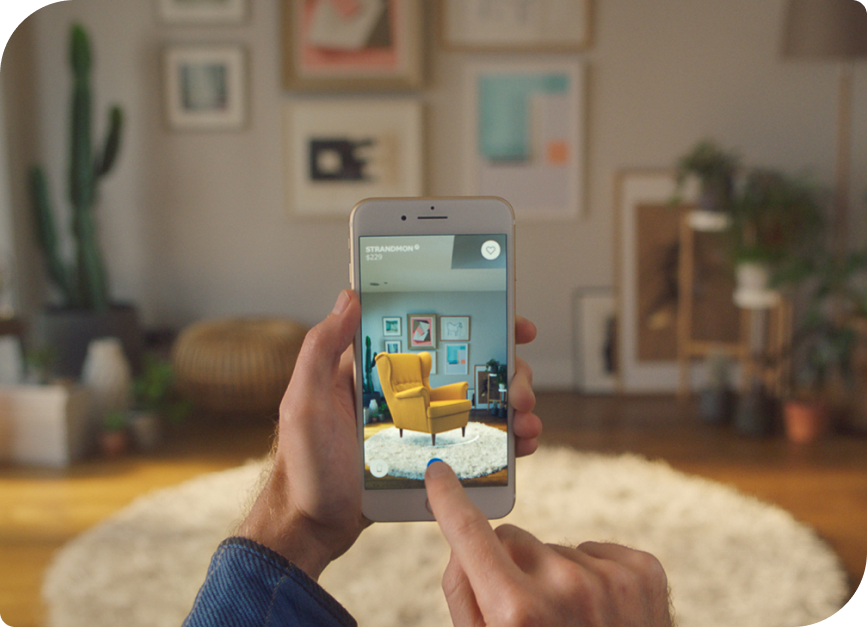


Augmented Reality Apps
We specialize in AR/VR technologies and collaborate with you throughout the research and development process. We create scalable and adaptive programs for Apple Vision Pro using the latest advancements.
- Stunning visuals enhance realism and immersion
- Visualize complex concepts in easy 3D
- Present data using engaging augmented reality


500+
Live Apps
50+
Apps Of The Year
50M+
App Downloads
500+
Five-Star Rating
Let's talk about your project
Share Your Project Idea
Our Clients

Apple Vision Pro Applications


Real Estate
Offer virtual property tours and interactive visualizations to streamline buying, selling, and renting processes for real estate professionals and clients.
The Future is Here: Apple Vision Pro Experiences
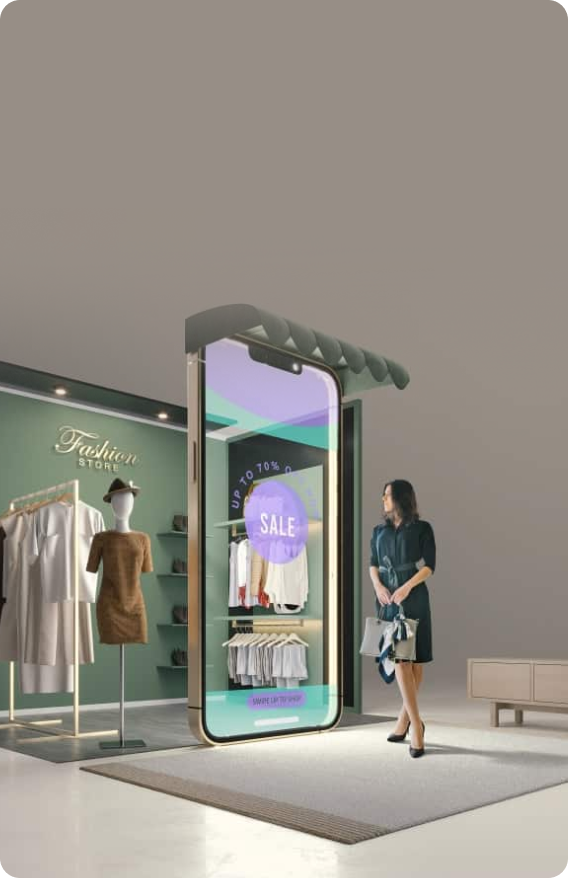
Virtual Showrooms
We create virtual showrooms that revolutionize retail. These spaces allow customers to explore products in immersive environments, enhancing shopping experiences like never before.
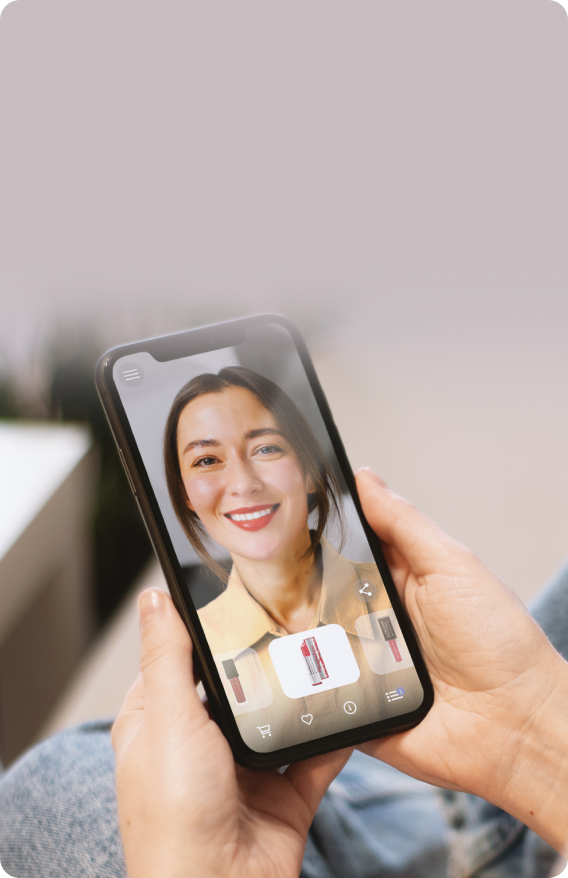
Try-On Experiences
Our solutions offer virtual try-on experiences, allowing users to visualize products like jewelry and clothing in real-time, improving decision-making and customer satisfaction.

Productivity/Multitasking
Enhance productivity with multitasking features, enabling seamless integration of digital tools into daily workflows for enhanced efficiency and collaboration.
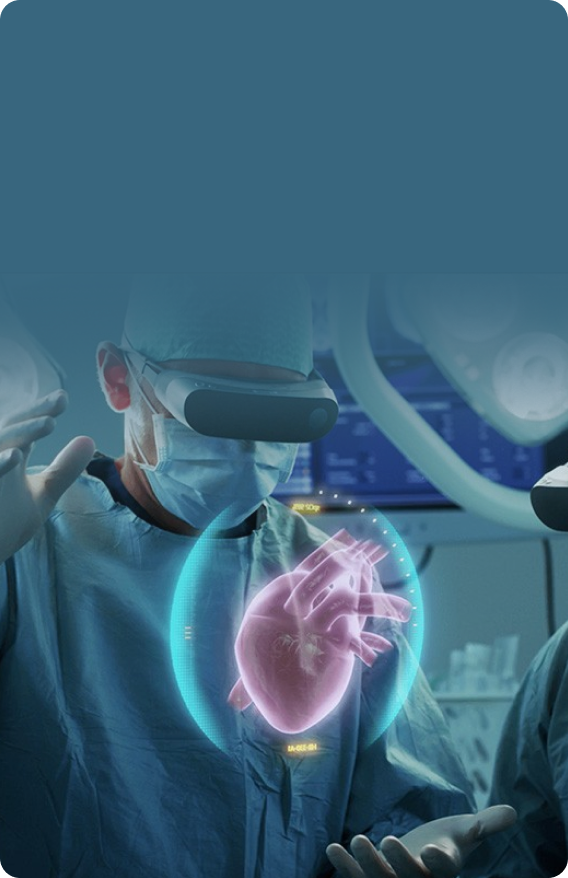
Medical Training Simulations
Our simulations utilize Apple Vision Pro for realistic medical training scenarios, providing students and professionals with interactive learning experiences that enhance skills and knowledge retention.

Telemedicine Revolution
Transforming healthcare with telemedicine solutions, enabling remote consultations and diagnostic assessments through immersive, secure, and patient-centric digital platforms.
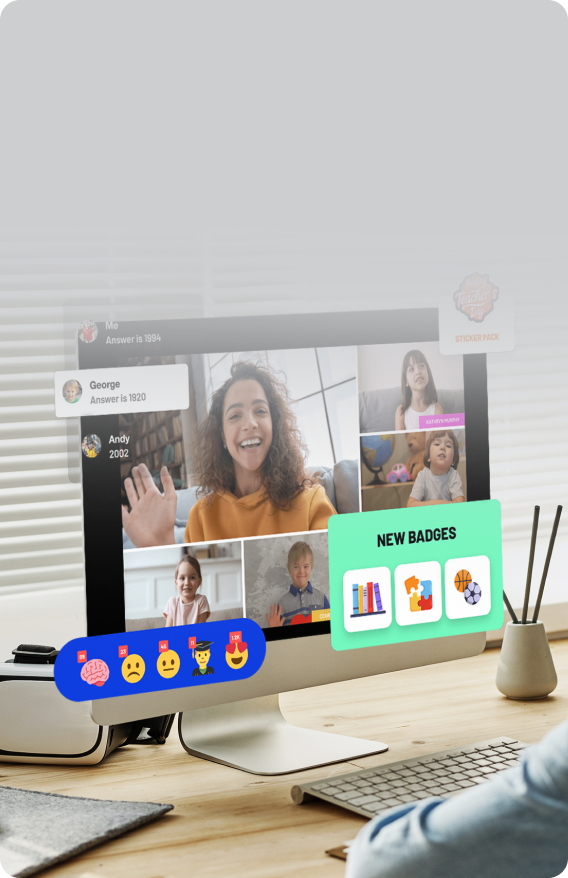
Interactive Learning
We develop interactive learning tools that engage students with immersive content, fostering deeper understanding and retention through interactive simulations and visualizations.
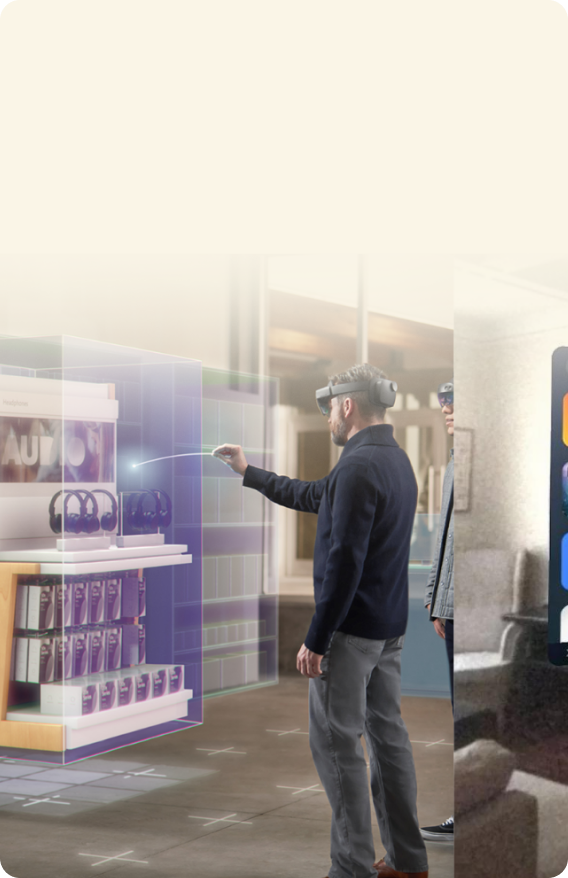
Immersive Entertainment
We redefine entertainment with immersive experiences, offering users interactive content and storytelling that blurs the line between virtual and real-world environments for unparalleled engagement.
Our Apple Pro App Development Process
Research and Analysis
Research to understand client needs and market trends is necessary for decision-making.Conceptualization and Planning
Conceptualizes ideas and strategies to align with project goals and client expectations.Design and Prototyping
Create intuitive designs and prototypes to visualize concepts and gather feedback early on.Development and Testing
Robust processes ensure high-quality, tested solutions for better performance and usability.
Why Apple Vision Pro Developers From Brainvire?



Remote Collaboration

Customized Workspace Productivity

Immersive User Experience

Enhanced Market Reach

Personalization

Collaborative Capabilities
Our Tech Stacks for the Vision Pro App Development
Xcode
Reality Composer Pro
unity
Reality Kit
ARKit
Swift
ARKit
Reality Kit
Swift
Scenekit
Core ML
Vision Framework
Swift
Unity 3D
Perfect
GIT











Our Awards and Recognitions


The USA’s Fastest Growing Company, 3rd Time in a Row
Ranked on Technology Fast 500™ for the 2nd Consecutive Year
Ranked Amongst Top 10 for 2nd Time in a Row
The Dallas 100 Entrepreneur Award



What Our Clients Say
Ready to Bring Your App Ideas to Life?
Connect NowOur Insights
Choosing the Right 3D Product Visualization Soluti...
In the huge world of ecommerce it is important to choose the right 3D...Shaping a Futuristic Supply Chain Management with ...
Businesses have embraced artificial intelligence (AI) in supp...Role of Generative AI in Shaping the Future of Hea...
As per Statista, the artificial intelligence (AI) healthcare market,...

FAQs
What is Apple Vision Pro?
Apple Vision Pro is an advanced augmented reality (AR) platform by Apple, designed to enhance user experiences through immersive, interactive, and visually rich applications for various industries and purposes.
Who can benefit from Apple Vision Pro apps?
Apple Vision Pro apps benefit businesses across various sectors, including education, healthcare, retail, and entertainment, by offering enhanced user engagement, interactive learning, virtual training, and immersive customer experiences.
What devices are compatible with Apple Vision Pro?
Apple Vision Pro is compatible with a range of Apple devices, including the latest iPhones, iPads, and potentially future AR-enabled devices, ensuring a broad user base can access and enjoy its features.
How long does it take to develop an Apple Vision Pro app?
Developing an Apple Vision Pro app typically takes several months, depending on the app’s complexity, features, and specific requirements. A detailed timeline is established during the planning phase to ensure timely delivery.
What technologies and tools do you use for Apple Vision Pro app development?
We use advanced tools and technologies, such as ARKit, Swift, RealityKit, and Unity, for Apple Vision Pro app development, ensuring high-quality, immersive, and interactive AR experiences tailored to your needs.
How much does it cost to develop an Apple Vision Pro app?
The cost of developing an Apple Vision Pro app varies based on complexity, features, and development hours. We provide a detailed cost estimate after understanding your project requirements and objectives.
How can I get started with developing an Apple Vision Pro app?
Contact us for an initial consultation to develop an Apple Vision Pro app. We’ll discuss your ideas, requirements, and goals for a tailored development plan.
Do you offer consultation services for Apple Vision Pro app ideas?
Yes, we offer consultation services for Apple Vision Pro app ideas. Our experts will help refine your concept, provide technical insights, and guide you through development to ensure a successful app.