
Augmented reality in retail: the try-before-you-buy features shoppers actually use
A shopper stands in her living room with a tape measure, trying to picture an 84-inch sofa against the wall. She can't, so she either guesses or leaves the tab open for a week. Augmented reality in retail exists for that moment: it places a true-to-scale 3D version of the product in the shopper's own space, through the smartphone camera she already holds. It closes the gap between shopping online and seeing the product in real life.
That's the whole idea. The rest is detail: which products it suits and what you have to build. Virtual reality (VR) also turns out to be a much smaller part of the story than most "AR and VR shopping" articles suggest.
AR vs VR shopping: which one your customers can actually use
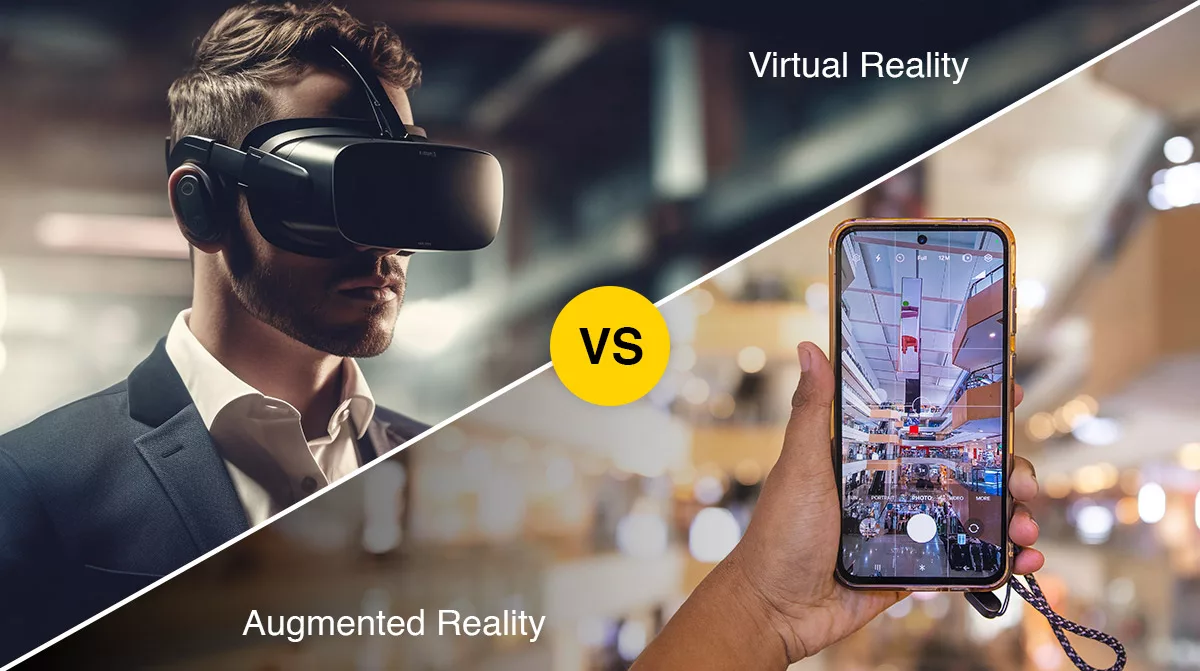
Augmented reality (AR) adds digital objects to the real world environment on a screen, so customers visualize products where they'd actually use them. VR replaces the physical world entirely and needs a headset. For retail, that difference decides almost everything.
| Augmented reality (AR) | Virtual reality (VR) | |
|---|---|---|
| What the shopper sees | The product placed in their own space or on their own face, feet or wrist | A fully simulated store, showroom or product |
| Device | A phone or tablet most shoppers already own | A headset such as Meta Quest or Apple Vision Pro |
| Entry cost for the shopper | None beyond the phone | From $349.99 for a Meta Quest 3S to $3,499 for Apple Vision Pro |
| Best for | Furniture, home decor, eyewear, shoes, cosmetics, electronics | Large, high-value items and branded showrooms |
| Where it runs | Product pages, shopping apps, marketplace listings | Dedicated headset apps |
The headset prices tell the story. Meta lists the Quest 3S at $349.99 for 128 GB as of April 19, 2026. Apple's Vision Pro with M5 starts at $3,499 in the US. Of the immersive technologies, VR asks the most of the shopper. Very few of your customers will put on a headset to buy a lamp.
So virtual reality ecommerce makes sense for virtual stores and interactive shopping experiences at brand events. It also suits showrooms for big-ticket items, such as a car interior or a kitchen layout. For everyday online sales, AR on the phone is where the shoppers are. If you're splitting a budget between AR and VR, that gap should shape the split.
Augmented reality ecommerce examples worth studying
These augmented reality features come from large retailers and platforms, checked on their own sites in October 2026. Each one lets shoppers settle a specific doubt.
IKEA Kreativ: "will it fit, and will it look right?"
IKEA launched IKEA Kreativ in the US in June 2022. In effect, IKEA's AR app lets shoppers visualize furniture in their own homes. It uses AI and computer vision to read a room, erase existing furniture and place IKEA products in the scanned space. It now sits inside the IKEA app, and whole-room scanning needs a LiDAR-equipped device such as an iPhone Pro or iPad Pro. Erasing the old sofa matters more than it sounds. Shoppers rarely buy into an empty room.
Amazon: three AR features, three product types
Amazon's 3D and AR tools for sellers split the job cleanly:
- View in 3D for shoes, eyewear, furniture, toys and electronics.
- View in Your Room for furniture, decor and wall-mounted items.
- Virtual Try-On for shoes and eyewear.
Amazon says Virtual Try-On can increase customer engagement and reduce returns, though it doesn't publish figures. It also says adding 3D models and AR to listings costs sellers nothing. That makes the 3D model itself, not the feature, the real investment.
Warby Parker: frames on your own face
Eyewear is a natural fit for face tracking, because shoppers want to try products virtually before they order. Warby Parker's iPhone app tells shoppers they can virtually try on frames with lifelike accuracy. The question it answers is simple: does this shape suit me?
Google: AI try-on that isn't AR at all
Google's virtual try-on, announced in May 2025, lets US shoppers upload a full-length photo and see apparel from billions of listings on themselves. It's generative AI working on a still image, not a live camera overlay. For clothing, where drape and fit matter, photo-based try-on and virtual fitting rooms often work better than AR. It's also a shift in consumer behavior: shoppers now meet try-on features in search results, before they ever reach your site.
Shopify stores: 3D and AR from product media
On Shopify, merchants upload GLB or USDZ files as product media, and shoppers can view the model in their own surroundings. The store theme has to support 3D models, which all Online Store 2.0 themes built by Shopify do. Shopify also added 3D and AR previews to the Shop app for products that have 3D content.
Apple AR Quick Look: AR with a buy button
Any retailer website can use AR Quick Look to show a USDZ model on iPhone and iPad from Safari. Apple lets you add Apple Pay or a custom action inside the AR view, allowing customers to buy without leaving it.
How AR technology works on a phone
AR technology on a phone needs fewer pieces than most people expect.
- A 3D model of the product. Usually two files: GLB for Android and the web, USDZ for Apple devices.
- A viewer. On iPhone and iPad, AR Quick Look opens the USDZ file and needs iOS 12 or later. On Android, Google's Scene Viewer opens glTF/GLB files from a website link or an app, on an ARCore-supported device running Android 7.0 or later.
- The camera and on-device AI. Computer vision detects floors, walls and lighting so the object sits at true scale and stays put as the shopper moves.
Native shopping apps go further with software development kits such as Apple's ARKit and Google's ARCore, adding room scanning, face tracking for eyewear and makeup, or multi-product layouts. Most retailers don't need an app to start, though. A product page with a well-made 3D model gets AR to most phones.
Artificial intelligence shows up at each layer: computer vision in the viewer, room understanding in tools like IKEA Kreativ and image generation in try-on tools like Google's. To see where AI fits in your catalog beyond AR, start with the broader AI and machine learning services options. The image and content side sits under generative AI development.
Does AR improve the online shopping experience? What the numbers say
The most quoted figure comes from Shopify. In May 2022 it reported that merchants who add 3D content see a 94% conversion lift on average. Treat that as directional. It's an average across Shopify merchants, it's a few years old and it comes from a platform that sells the feature. Your own lift will depend on your products and how good your models are.
Returns are the other half of the case, and the logic is customer confidence. The National Retail Federation and Happy Returns expected US consumers to return $849.9 billion of merchandise in 2025, or 15.8% of sales. Online, the expected return rate was 19.3%. A feature that helps shoppers make more informed purchase decisions only has to prevent a small share of those returns to matter. The rest of that problem is covered in this guide to ecommerce returns management.
None of these figures proves AR will boost sales or drive sales growth in your store. They show where to test it.
Which products benefit most from augmented reality in retail
AR earns its place when size, placement or appearance on the body decides the purchase:
- Furniture and home decor. Scale and style in the shopper's own space, which a product photo can't show.
- Eyewear and accessories. How different frames look on a face is a real question, and face tracking answers it well.
- Shoes. Color and style on the shopper's feet, though not fit or comfort.
- Cosmetics. Shade matching for makeup products on the shopper's own skin tone, which a swatch photo can't do.
- Large electronics and appliances. Will the TV dominate the wall? Will the fridge clear the cabinet?
- Configurable products. Sofas, cars and kitchens with many fabric, color or finish options, where shoppers want to see their own version before they commit.
It adds little for products shoppers already understand from a photo, such as books, groceries or replacement parts. Apparel is the hard case: a live overlay rarely shows drape convincingly, which is why photo-based AI try-on is gaining ground there.
AR in physical stores
Augmented reality in retail isn't only for online stores. In retail stores and other brick and mortar stores, a QR code on a shelf tag can open the same AR view. A shopper can then see a sofa in another color, or an item that isn't on the floor, which helps in-store sales of the full range. Other AR applications in stores include interactive packaging, product displays that show real-time details and overlays that guide shoppers to an aisle or a promotion. The same 3D model serves the ecommerce site and the physical store, which makes the asset easier to justify.
Implementing AR: a practical sequence
Start small and measure. In practice, the teams that get value from AR experiences treat them as a product-page feature with a test plan, not a launch event.
- Pick 20–50 SKUs from your product catalog where doubt is costly. Look for high return rates with "didn't look as expected" or "too big" reasons, high price and high traffic.
- Get the 3D models right. Implementing augmented reality takes real time and resources, and most of both goes here. Plan the budget per SKU before you commit. Accurate dimensions and true materials matter more than polish. Keep files light for mobile. Shopify, for example, accepts files up to 500 MB but automatically optimizes anything over 15 MB.
- Check your platform and theme. Confirm your storefront supports GLB and USDZ media, and that the AR button appears on both iOS and Android. Label it clearly near the main image, because shoppers won't use a feature they don't notice or understand.
- Test against a control. Compare conversion, add-to-cart, return rates and customer satisfaction scores for the same products with and without AR. A better-feeling customer experience isn't enough on its own.
- Extend only what works. Roll out to more categories, or invest in an app, once the numbers support it.
Step 1 is where our AR development team would begin: mapping return reasons and product data to the SKUs worth modeling first. Brainvire is also a Shopify Premier Partner, so on Shopify the Shopify development team can add 3D media to your theme. If AR belongs in a wider app plan, look at mobile commerce development. If you're still choosing a build partner, this roundup of AR and VR development companies compares who builds AR solutions.
FAQ
Do shoppers need to download an app to use AR?
No. On iPhone and iPad, AR Quick Look opens a USDZ model straight from Safari. On Android, Scene Viewer opens a GLB model from a website link on ARCore-supported devices. Apps add features such as room scanning and saved designs, but a product page is enough to start.
How much does it cost to add AR to an ecommerce store?
Most of the cost of ecommerce augmented reality sits in the 3D models, not the AR viewer. Apple's and Google's viewers come built into the phone's software, Shopify supports 3D product media natively and Amazon doesn't charge sellers to add 3D and AR to listings. Model cost depends on product complexity, materials and how many variants you need.
Can AR show whether clothes or shoes will fit?
Not reliably. AR shows how an item looks on the shopper, not how it feels or whether the size is right. For fit, combine AR or AI try-on with size data and clear size guidance on the product page.
Related reading
 Databricks Cost Optimization: 10 Tips From a Partner's Playbook to Stop Burning DBUsOctober 20, 2026 · 8 min read
 Beyond the Add-to-Cart Button: A Builder's Guide to Commerce Agents on ClaudeOctober 12, 2026 · 8 min read
 Why Enterprises Need Databricks Consulting Partners to Navigate the Agentic AI EraOctober 12, 2026 · 8 min read
Brainvire offers these services across Southeast Asia — see Mobile Commerce Development in Singapore and Mobile Commerce Development in Thailand.