
Ecommerce platform migration without downtime: how to keep the store selling through cutover

No ecommerce platform migration is risk-free. What you can build is a migration where every risk has a test, an owner and a way back. Done that way, customers keep shopping on the old store until the new one has proved itself on a full copy of your data. Then traffic moves in minutes, not over a dark weekend.
This guide is for the ecommerce, IT and operations leads who own the cutover. It assumes you've already picked the right platform and goes straight to the mechanics of a move with no planned downtime. That means rehearsals, change sync, payments, the DNS switch and the rollback you hope you never use.
Why the reason for the move shapes the cutover
Ecommerce businesses rarely migrate for fun. The usual triggers are an outdated system nearing end of support, high maintenance costs on a heavily customized build, or a legacy platform that can't connect cleanly to the ERP. Others move to modern platforms because the current platform can't keep up with future growth or customer expectations, such as a faster checkout.
The trigger matters because it sets the business goals for cutover day. A store escaping an unsupported platform may accept a simpler launch scope to hit a date. A store moving for business growth should protect revenue first and keep the old store alive longer. Write the goal down. It decides most of the tradeoffs in the steps below. A move can also retire custom-coded plugins in favor of native features on the new platform, but that lowers maintenance only if you resist rebuilding every old customization.
The target's hosting model changes the cutover too. On SaaS commerce platforms such as Shopify or BigCommerce, the vendor runs hosting, and you mainly control data, apps and DNS. Open-source platforms such as Magento Open Source allow full customization, but you host and maintain them, so infrastructure becomes part of the switch. Headless commerce separates the storefront from the commerce backend, which lets a team cut the two over at different times.
Before an ecommerce platform migration starts: four things that must be true
Zero downtime is a design decision, and it's made weeks before launch day. Check these first.
- A launch date away from peak. Google's own site move guidance says to time a move for lower traffic where you can. For most US retailers that rules out the weeks around Black Friday and Cyber Monday, when code freezes are normal anyway.
- A staging copy of the new store with all of your data, not a sample. Hidden from search with a password, and sized like production.
- A redirect map with one owner. URL mapping, also called redirect mapping, is its own workstream. Permanent 301 redirects are what carry your SEO rankings, organic traffic and link equity to the new URLs. Our guide to ecommerce migration without losing SEO covers it step by step, so this post doesn't repeat it.
- Written go/no-go criteria and a named rollback owner. If nobody can say who decides to roll back, you don't have a rollback plan.
Two requests also need to go out early, because other companies control their timing. One is the saved-card export from your payment processor (Step 4). The other is any data export your ERP integration or loyalty vendor has to run for you.
Step 1: Rehearse the full migration at least twice
A dry run is the only reliable forecast of cutover day. Build at least two into the migration process before anyone sets a launch date. Load 100% of the data into staging with the same data migration scripts and automated migration tools you'll use for real, and time every stage.
The first rehearsal finds the data mapping problems. Variants split into separate products. Order statuses land in the wrong states. Customer records lose an address line. The two platforms' data structures rarely line up one to one. Custom functionality on the existing platform, such as checkout scripts or pricing rules, also surfaces here, often as technical debt nobody documented. Put the custom features the business still needs on a short rebuild list. Fix the mapping, reset staging and run it again.
The second rehearsal is about time. If the full load takes 14 hours, you now know the old store must keep trading during those 14 hours, and that changes your plan in Step 2.
For each run, reconcile three things against the current ecommerce platform:
- Counts: products, variants, customers, orders and open gift card balances.
- Totals: revenue by month and tax collected, so finance trusts the order history.
- Spot checks: 50 or so records per category opened side by side by someone who knows the data, not just the developer who wrote the script.
Then test the full customer path on staging: search, cart, checkout, account, returns. Configure regional tax rules and shipping zones early, and test carts for each state where you collect sales tax. Keep the reconciliation sheet. It becomes your evidence of data integrity at the go/no-go meeting.
Step 2: Sync changes, don't freeze the business
Your data falls into two groups. The catalog and content change a few times a day. Orders, inventory, customer profiles and reviews change by the minute. Move the first group early. Keep the second group, which holds most of your customer data, in sync until the switch.
That sync is the part of the migration process that removes the long maintenance window. A few examples of how commerce platforms and tools handle it:
- Magento 1 to Adobe Commerce: Adobe's Data Migration Tool has a delta mode that moves only what changed since the last run. It tracks storefront activity such as orders, reviews and profile changes, plus admin edits to orders, products and categories. It doesn't carry other admin changes, such as attributes or CMS pages, so freeze those. Third-party extension tables need extra configuration before delta mode can see them.
- Database-level moves: AWS Database Migration Service can run a full load plus ongoing replication, also called change data capture, which reads changes from the source database's transaction logs. AWS notes this isn't real-time and latency can stretch to several minutes, so measure the lag during your rehearsals.
- SaaS targets such as Shopify, BigCommerce or Salesforce Commerce Cloud: you usually run a final delta import of orders and customers created after the main load. Shopify recommends importing products first, then customers, then historical orders so orders link correctly. It also warns that staff who get new-order notifications will get an email for every imported order unless you switch those notifications off first.
In practice, most teams still freeze something. Catalog and content edits stop 24–48 hours before cutover, and merchandisers work from a short list of exceptions. Orders never stop.
Step 3: Plan for the data that can't simply be copied
Some customer data either can't move or moves differently, and it's usually where the customer experience breaks first. Find it in rehearsal, not on launch morning.
Customer passwords. Shopify states you can't migrate customer passwords from another store with a CSV, because they're encrypted outside Shopify. Customers have to set new passwords. Shopify's new customer accounts sidestep this: shoppers sign in with a one-time 6-digit code sent to their email, and no password is needed. Check which sign-in model the new platform supports, decide which one you'll use and write the customer email before launch.
Gift cards and store credit. Shopify lists gift cards, certificates and store credits as data to migrate, through migration apps or its GiftCard API. Reconcile outstanding balances to the cent. These are liabilities on your books, not just records.
Reviews, loyalty points and subscriptions. These often live in third-party apps, so each one needs its own export, import and test. Subscriptions need the most care, because a missed step means a customer is billed twice or not at all.
Step 4: Move payments without double charges or a spike in declines
Saved cards never move through your own export. Card numbers go processor to processor under PCI rules. Stripe's payment data import process shows the pattern. Your old processor encrypts the data and uploads it to Stripe. Stripe then returns a file that maps old customer and card IDs to new ones.
Three details from that documentation shape the plan:
- Timing. Stripe says processors can take anywhere from a few days to several months to produce the export. After valid data arrives, imports typically complete within 10 working days. Request the export first, before most other work starts. It's often the longest lead item on migration projects that change processors.
- What doesn't move. Card security codes (CVC) can't be imported, because PCI DSS bans storing them after authorization. Subscriptions move through a separate billing process. Stripe tells merchants to cancel the old subscriptions as soon as the new ones are active, or customers get billed twice.
- Declines after the switch. A new merchant account can trigger a short-term rise in declined payments, because card issuers don't recognize it yet. That's a customer experience problem as much as a finance one. Stripe recommends ramping volume rather than switching everything at once, starting with one-time and domestic payments.
The same thinking applies to other payment gateways. Ask your provider for its import process and its advice on ramping, and test real transactions on the new store before cutover.
Step 5: Prepare the traffic switch a few days early
For most ecommerce store migrations, the switch is a DNS change that points your domain at the new ecommerce platform. How fast that change spreads depends on the record's time to live (TTL), the period resolvers may cache the old answer.
Lower the TTL days ahead, so that by cutover day every cache already holds the short value. On Cloudflare, for example, DNS-only records can go as low as 60 seconds on non-Enterprise plans, while proxied records sit at a fixed 300 seconds. Cloudflare also warns that some local DNS caches take longer than 5 minutes to update.
That warning matters more than the TTL number. For a while after the switch, some shoppers will still reach the old store. Keep it able to take orders, and make sure those orders flow into the new platform through the same data migration path from Step 2. A read-only or broken old store during that window is how "zero downtime" quietly turns into lost orders and data loss.
Before the switch, also check the parts that live outside the storefront:
- Webhooks and API keys for your ERP integration, 3PL, tax engine and email platform.
- Third-party integrations that hard-code the old domain or IP address.
- Mobile apps and third-party apps that call the old store's API.
- SSL certificates issued and tested for the new platform.
- Robots and sitemap settings, so the new store isn't still blocking crawlers.
Step 6: Cut over against a checklist, and keep the way back open
Run cutover as a short meeting with a written checklist, not a chat thread. Each line has an owner and a pass/fail answer. Agree beforehand what a successful migration means in numbers: order rate, payment approval rate and error rate against the old store.
| Check | Who signs off | Rollback trigger |
|---|---|---|
| Final delta sync complete, counts match | Data lead | Gap you can't explain |
| Test orders placed and paid with real cards | Ecommerce lead | Any failed payment path |
| Taxes and shipping rates correct on sample carts | Finance and operations | Wrong tax on any state tested |
| Order export reaching ERP and 3PL | IT lead | Orders not arriving within agreed time |
| Top 100 URLs redirect to the right page | SEO lead | Redirect loops or 404s on top pages |
| Customer sign-in and password reset work | Customer service lead | Customers locked out |
| Staff trained on the new admin for orders and returns | Operations lead | Team can't process a refund |
Decide in advance how long the old platform stays ready to take traffic back. Rolling back is only fast if nobody has switched the old store off. You also need the delta sync to run in reverse, or an agreed way to re-enter orders taken on the new store.
If something forces a pause, don't leave a broken page up. Google's guidance on pausing a site is to return a 503 status with an informational page for an outage of 1–2 days. It calls a full shutdown an extreme step for a few days at most, because recovering search engine rankings after a complete removal can take a long time.
If your product content, imagery or landing pages come from a separate CMS, sequence it into the same checklist. A storefront that relies on Adobe Experience Manager for content, for example, has a second system whose publish settings must point at the new store at the same moment.
Step 7: Watch orders, payments and SEO rankings for two weeks
The cutover isn't the finish line. Post-launch monitoring is where small mapping errors turn up as customer complaints. Plan a hypercare period with the same people who ran the cutover.
- Daily order reconciliation between the store, the payment provider and the ERP for the first week.
- Payment decline rates compared with your old baseline, given the issuer behavior described in Step 4.
- 404 reports and Search Console coverage, fixing missing redirects the same day. Google notes search visibility may fluctuate temporarily during a move and recommends keeping redirects for at least 1 year.
- Site speed on home, category, product and checkout pages against the old store's baseline.
- Customer service tags and customer feedback on sign-in, missing orders and loyalty balances, reviewed every morning.
If organic traffic drives a large share of revenue, bring your SEO team into hypercare too, not just the build. Rankings that slip in the first weeks after an ecommerce migration are much easier to recover while the redirect mapping is still fresh in everyone's mind.
Retail cloud migration without downtime: same platform, new home
Not every migration changes the ecommerce platform. Sometimes the ecommerce website stays on Adobe Commerce or a custom build and only the hosting moves, say from an on-premises data center to AWS or Azure. The same principles apply with different tools. Legacy systems such as an on-premises ERP often stay where they are, so test each platform integration over the new network path, not just the store.
Build the new environment, replicate the database continuously with change data capture, and send a small share of traffic to the new stack first. AWS calls this pattern a blue/green deployment: traffic shifts between two identical environments, and if problems show up, you roll back by sending traffic to the old one. Shift the rest of the traffic in steps and keep the old environment warm until the rollback window closes.
The usual weak spots are the parts that aren't in the database: uploaded media, search indexes, session storage and scheduled jobs. A cron job that runs in both environments at once can send every customer the same email twice. List these in rehearsal and decide which environment owns each one during the overlap.
What downtime actually costs
Outages are expensive even outside retail. In Uptime Institute's 2025 annual survey, 57% of respondents said their most recent major outage cost more than $100,000, and 1 in 5 put it above $1 million. Those are data center and IT operators, not only online stores, but the point carries over.
During an ecommerce migration, the visible cost of an outage is lost orders. The less visible costs come after. Customers who don't come back take their customer lifetime value with them, not just one order. Paid campaigns send clicks to an error page, and search visibility can take weeks to settle. A planned overnight maintenance window saves some engineering effort. It rarely saves money.
There are exceptions. A small store with a few hundred orders a month and simple data can reasonably take a short, announced maintenance window at 2 a.m. on a quiet night. The full parallel-run approach in this guide is for stores where an hour offline costs more than the extra rehearsal.
Choosing ecommerce migration services: questions to ask
If you hire ecommerce migration services, the questions that reveal the most are about the cutover, not the build.
- How many full rehearsals are in the plan, and what does each one measure?
- How will orders placed on the old store during and after the switch reach the new one?
- What exactly triggers a rollback, and how long will it take?
- How will you move saved cards, subscriptions and gift card balances?
- What post-migration support is included, and for how long?
- Who owns the redirect map, and how long will you monitor it after launch?
A provider who answers these with a named person and a number is planning the cutover. One who answers with reassurance is planning the build and hoping the cutover goes well. Ecommerce migration cost also follows from these answers more than from the catalog size: each extra rehearsal, custom integration and payment method adds work, and each one removes risk. Budget for the lines outside the project too: licensing fees for both platforms during the overlap, app subscriptions and post-launch support.
Brainvire's ecommerce team works on Shopify Plus and Adobe Commerce migrations as a Shopify Premier Partner and an Adobe Gold Solution Partner. If you're planning a move, we'd start by timing a full dry run on a copy of your current store, so the cutover plan is built on real numbers. You can tell us about your store and target platform to get that started.
FAQ
How much downtime does 99.99% uptime allow?
About 52.6 minutes a year. That's 0.01% of the 525,960 minutes in an average year. At 99.9%, the allowance grows to roughly 8.8 hours a year, which is longer than many planned migration windows. These figures describe hosting targets, though, and a migration outage counts against the same budget.
How long does an ecommerce migration take?
It depends more on the long-lead items than on the build. Stripe says a processor's card export alone can take from a few days to several months, and two full rehearsals need calendar time of their own. Plan the launch date backward from those items, not forward from the design work.
Should I show a maintenance page during the move?
Only if you have to pause, and then only briefly. Return a 503 status code with the page, which tells search engines the outage is temporary. Google's guidance covers 1–2 days this way. For anything longer, a parallel run that keeps the old store selling is safer for both revenue and search.
Can I migrate my online store in stages instead of all at once?
You can, and for large sites it's often the safer route. Google's site move guidance recommends moving small and medium sites all at once, while larger sites can move one section at a time. Staging the move by region or brand also limits how much traffic any single cutover puts at risk.
What should happen to the old platform after cutover?
Keep it running, read-only, until the rollback window has closed and finance has reconciled the first month of orders. Then archive a full export before you cancel the contract, so closing the account doesn't turn into data loss. Someone will ask about an old order or refund months later, and you'll need the records.
Related reading
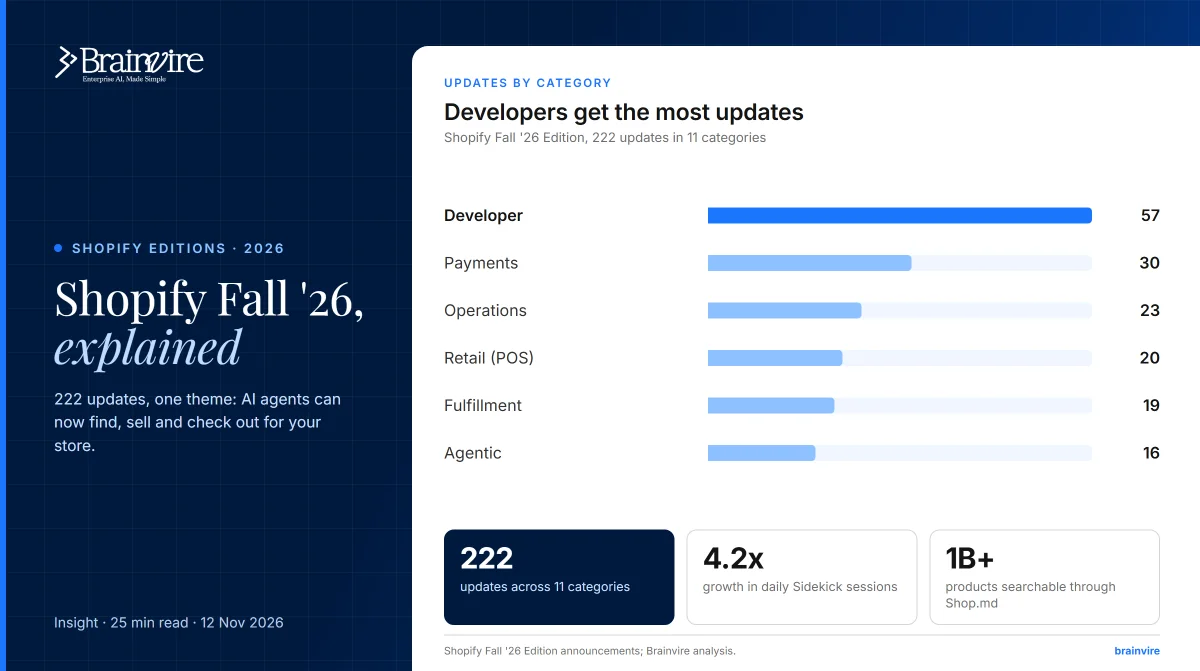 Shopify Fall '26 Edition: 200+ updates explained, from AI agents to SidekickNovember 12, 2026 · 25 min read
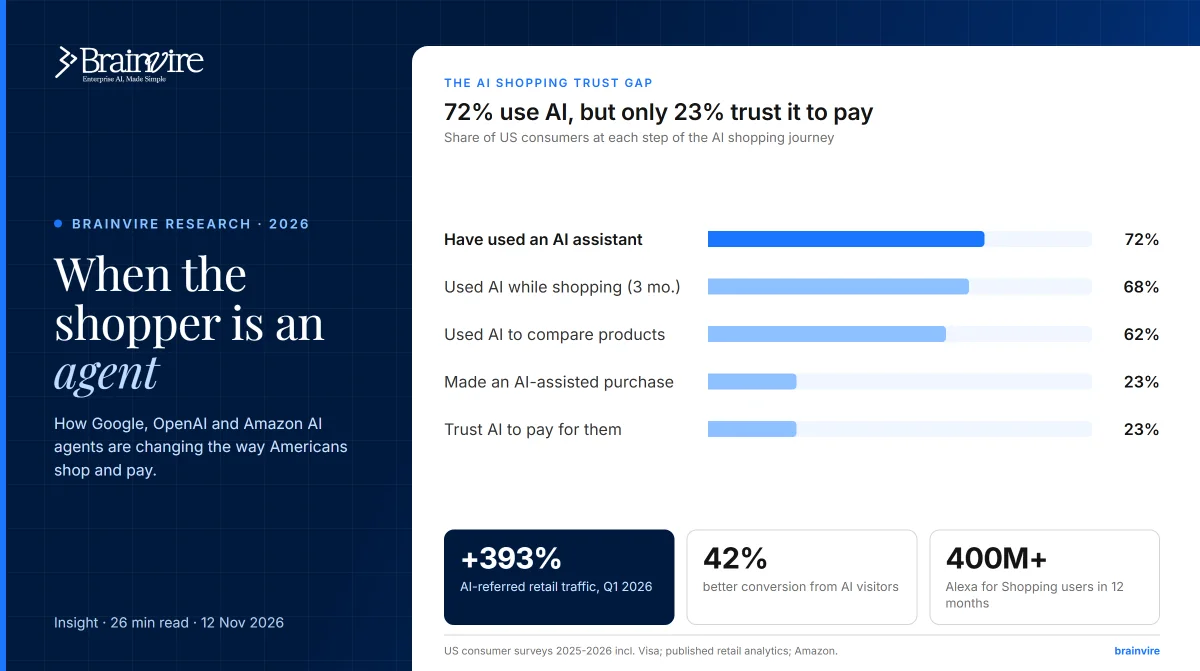 Agentic commerce in 2026: how AI shopping agents from Google, OpenAI and Amazon are changing online retailNovember 12, 2026 · 26 min read
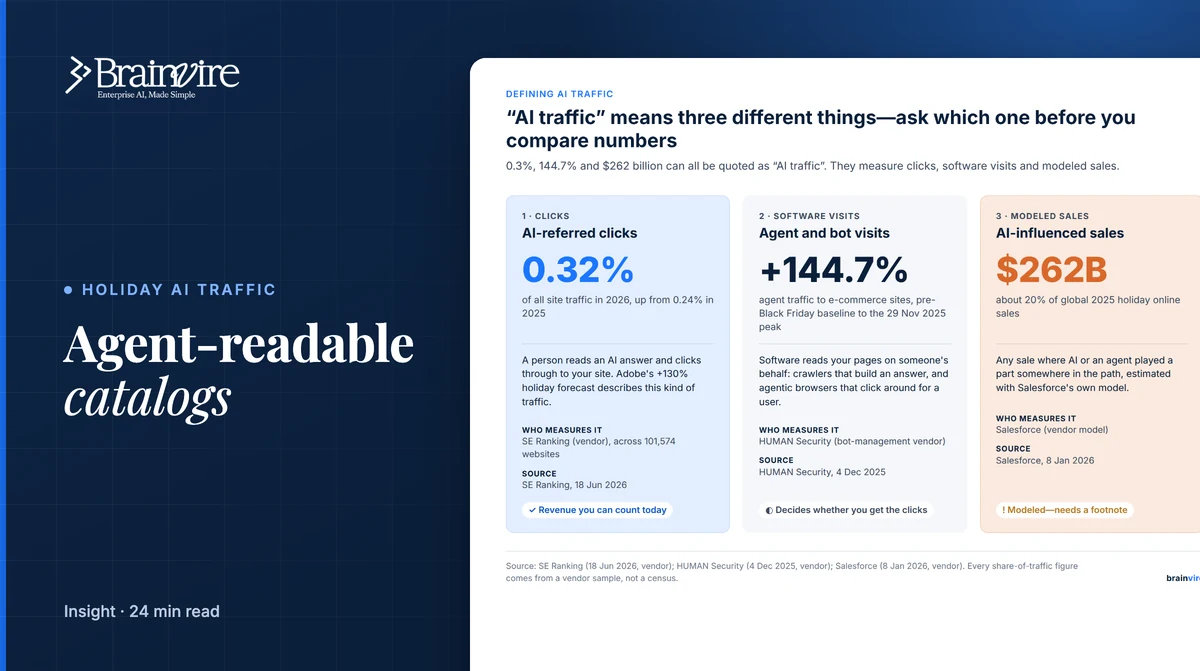 AI-referred traffic is up 130% this holiday. Can an agent actually read your catalog?October 16, 2026 · 24 min read