Data Augmentation For A Leading Educational Institution
About
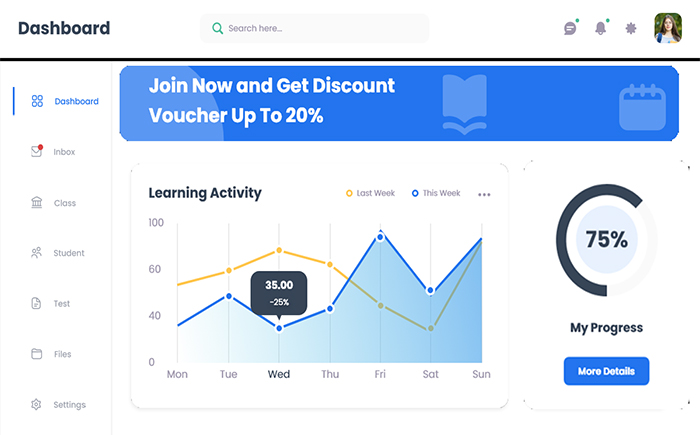
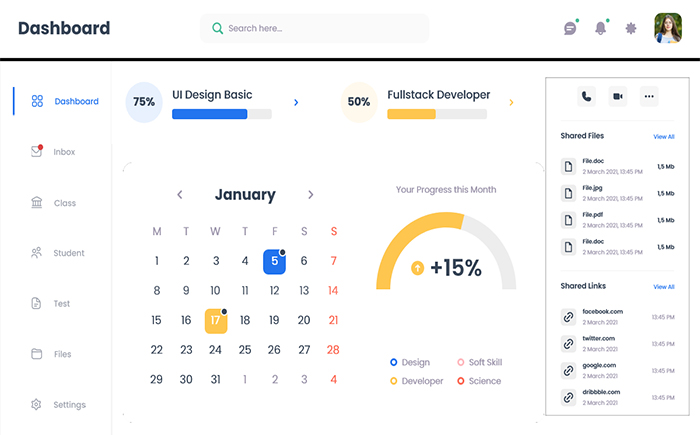
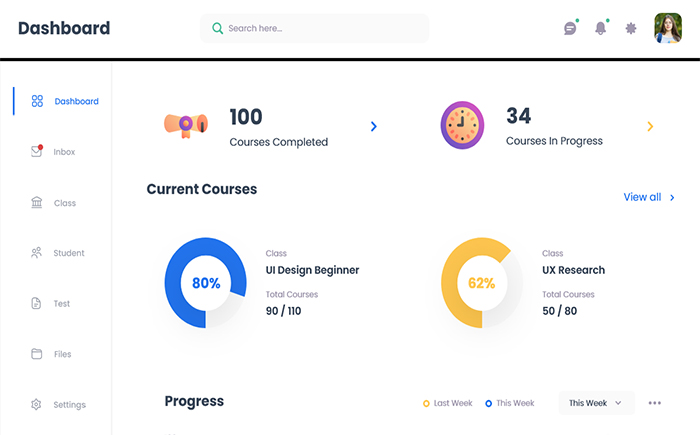
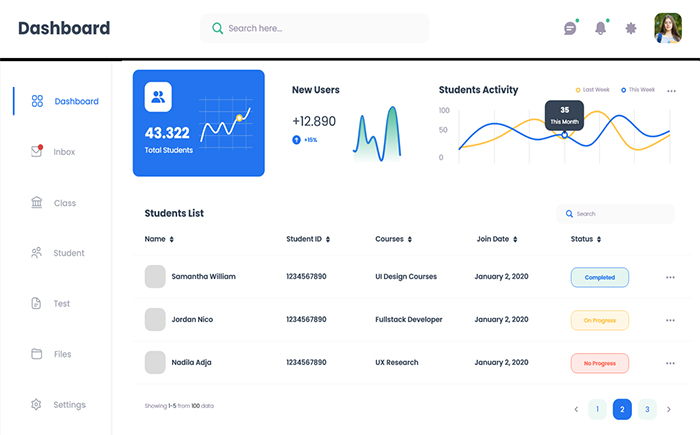
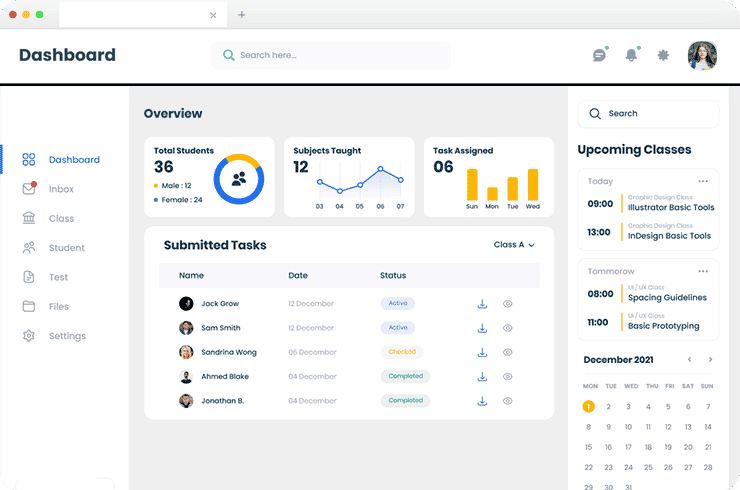
A leading US university has an application platform and management system with different applications for a profile, grant management, mentoring, and the institutional review board. They wanted to develop a single web application to manage administrative and university-related activities easily.
Project Highlights
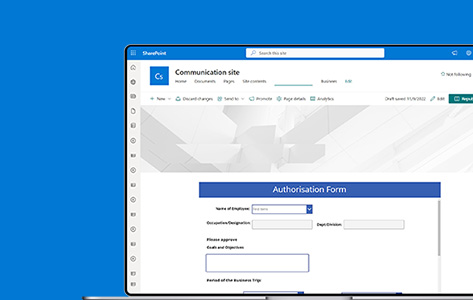
Brainvire Brainvire as a Microsoft partner, developed a web app centralizing all departments in a single application to manage multiple application systems. The application integrates with the University’s central authentication database. We created a library structure for documents, tracked versions of documents, and provided access to documents within the university.
The Challenges
- Complex And Cluttered Data Set:The client's cluttered and unorganized data set in the system made it difficult to manage applications.
- Adopted A MetaData-Driven Approach:The client faced several challenges in managing data and searched for an advanced process.
- Improved Communication Across Departments:The institution wanted to improve communication with a technologically advanced solution.
- Improved Data Security:It is essential to ensure that all data is secure and that only authorized users can access it.
Tech Stack
Python
SharePoint
Power BI
Microsoft office
Power Automate
Power Apps








Result
Streamlined Processes
The university can now ensure that the data collected is accurate and complete. This helped to reduce errors, rework manual data, streamline processes, and automate tasks. It also played a crucial role in reducing costs and increasing efficiency.Improved Data Storage
The advanced metadata layer automatically updates the data stored in SharePoint whenever new data is available.Increased Employee Performance
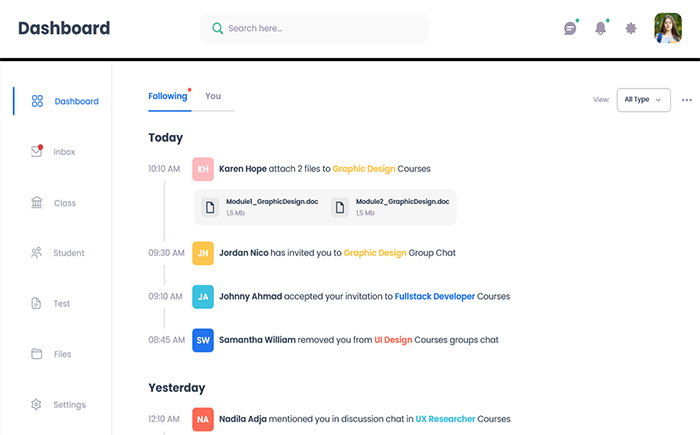
The university acquired a digital space for team collaboration, project and task management, and internal communication. The enterprise portal enables university employees to search and access documents they need for their work quickly and easily.Restrict Unauthorized Access
We provide secure storage capabilities to store data securely. It supports various storage methods, such as file shares, databases, and cloud storage services. We offered access control capabilities to ensure that only authorized users can access the content.